Dream it, discuss it, shoot it — all in one 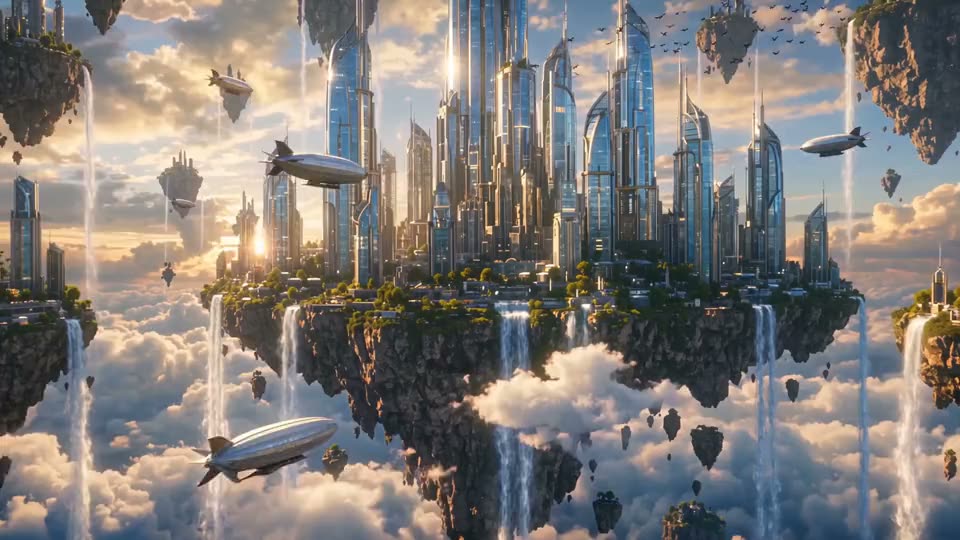 chat
Claude, GPT and Gemini that know your project and start generations themselves.
What it is
The best models in one conversation.
Pick a model for the task and switch mid-conversation — the history stays. Fast Haiku for drafts, Opus or Astra when it needs real thinking.
- ClaudeHaikuSonnetOpusFable
- GPTLunaSolAstra
- Gemini
Switch models any time without losing context
Included in the subscription
Chats run within your subscription's limits: per session (5 hours) and per week. Bigger models use the limit faster, lighter ones slower.
Knows your project
No need to explain it all again.
A project's chat sees its scenes, generations and elements — your characters and objects. Mention an element with @ or attach an image and the model knows who and what you mean.
Scenes
Knows the project's scenes and what's already been made in them.
Generations
Finds earlier results and builds on them.
@Elements
The project's characters and objects, by name, with @.
Attachments
Attach your own images right in the message.

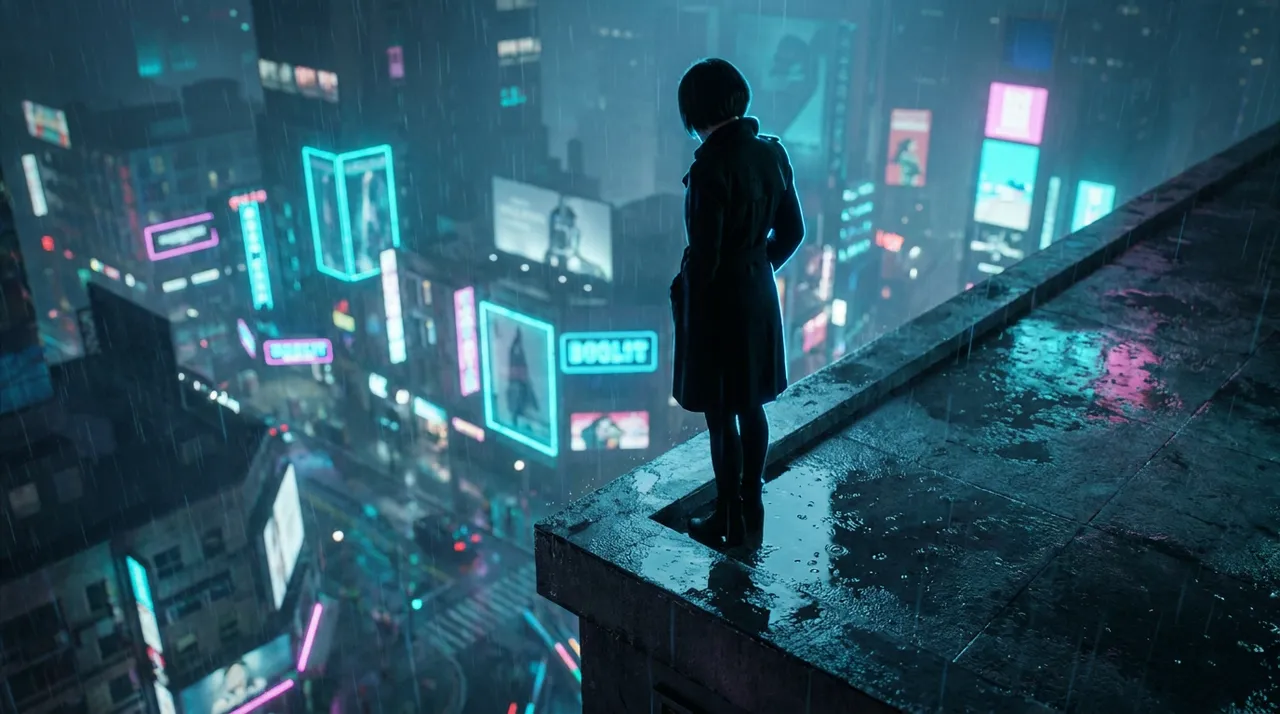
Put @Anna on a rooftop in the rain, like this reference
Does the work
It doesn't advise. It does.
The chat writes the prompt, picks a model and starts the image or video generation — the result shows up right in the conversation. Generations use credits as usual.
Generates. Images and videos on img.life's models — straight from the conversation.
Keeps order. Creates scenes and names them.
Remembers. Saves a good result as an element so the character stays the same from shot to shot.
Knows the working recipes
For common jobs the chat has built-in skills — step-by-step recipes it follows.
- Character
- AI photoshoot
- Product photos
- Marketplace cards
- Ad creatives
- Thumbnails & covers
- Product video
- Revive a photo
- Slate shot
- Film production
- Scene prompt
- Story bible
- Song
Sees
It looks at what you look at.
Views images
Your attachments and the project's generations: what worked, what to fix.
Watches videos
From a video link — goes through frames across the whole clip and suggests changes.
Shows galleries
Gathers your generations into a gallery right in the chat to compare and pick.
Next to the project
Chat on the side, generations in view.
On desktop the chat opens as a side panel next to the project's generations: talk on the left, results land on the right. On a phone it takes the full screen.
Chat
Project generations
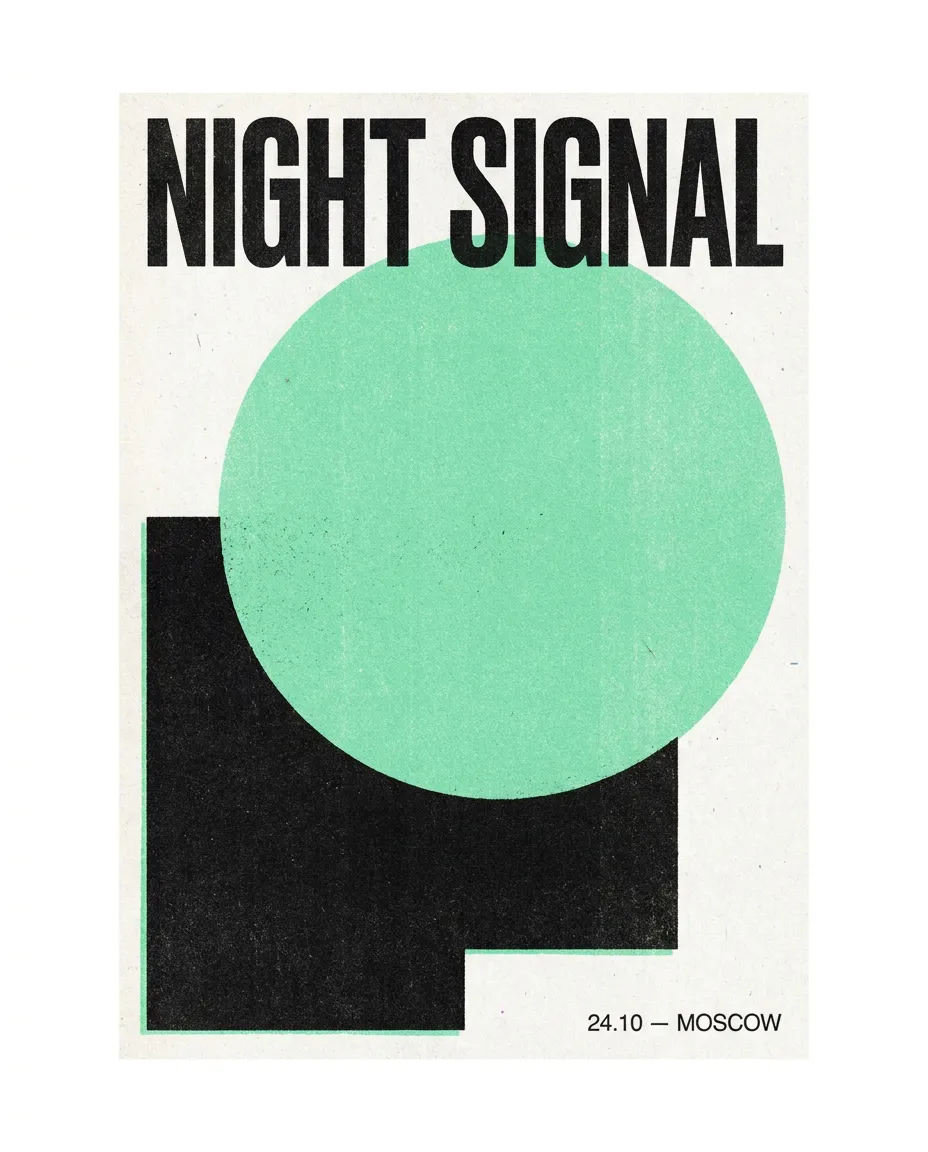
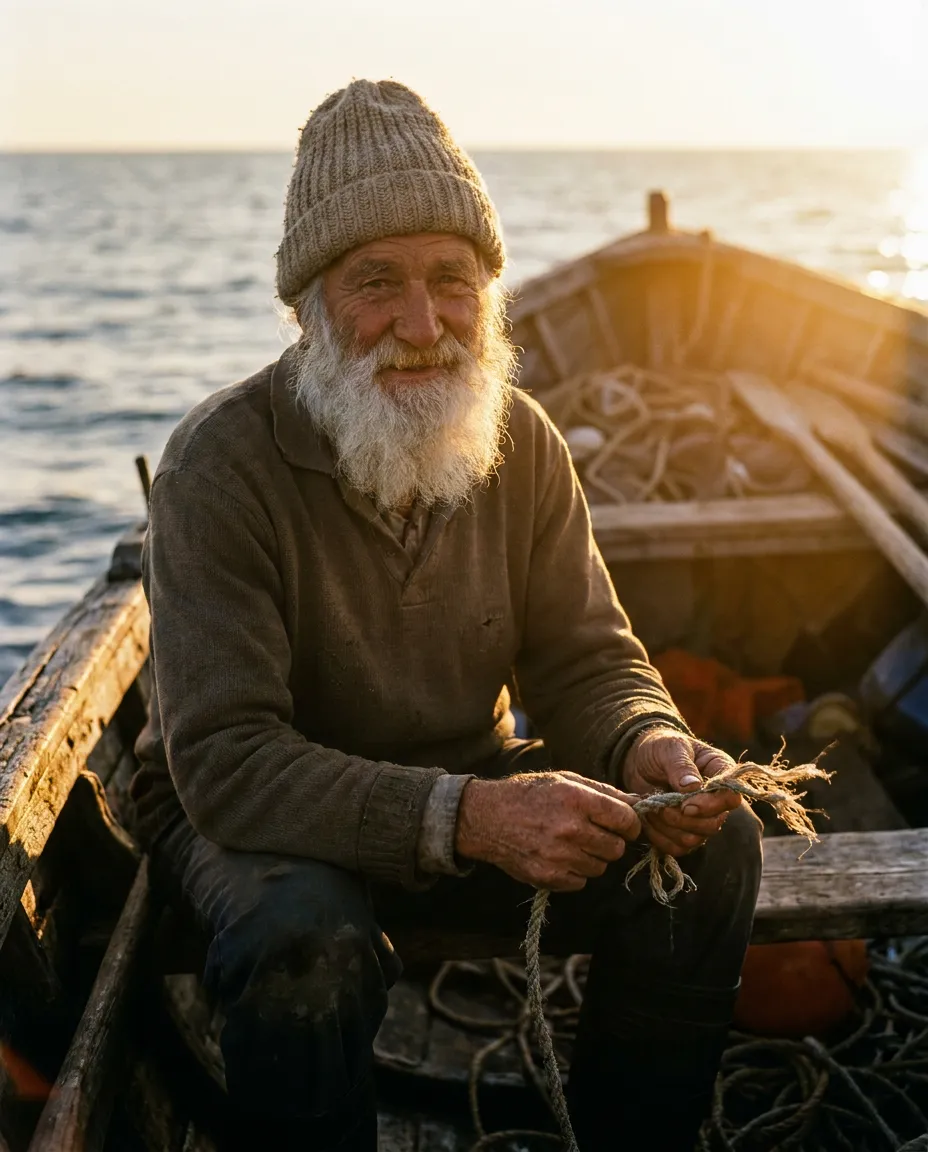
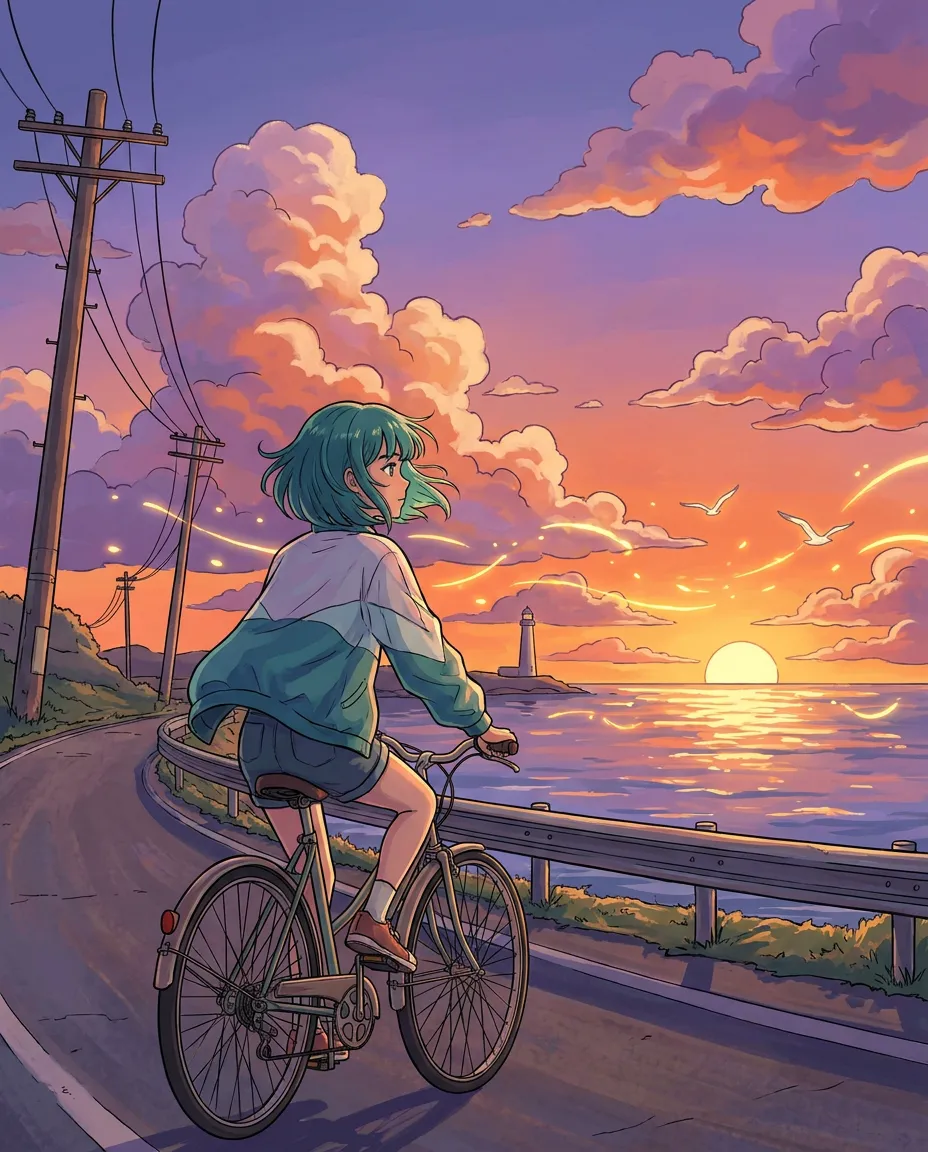
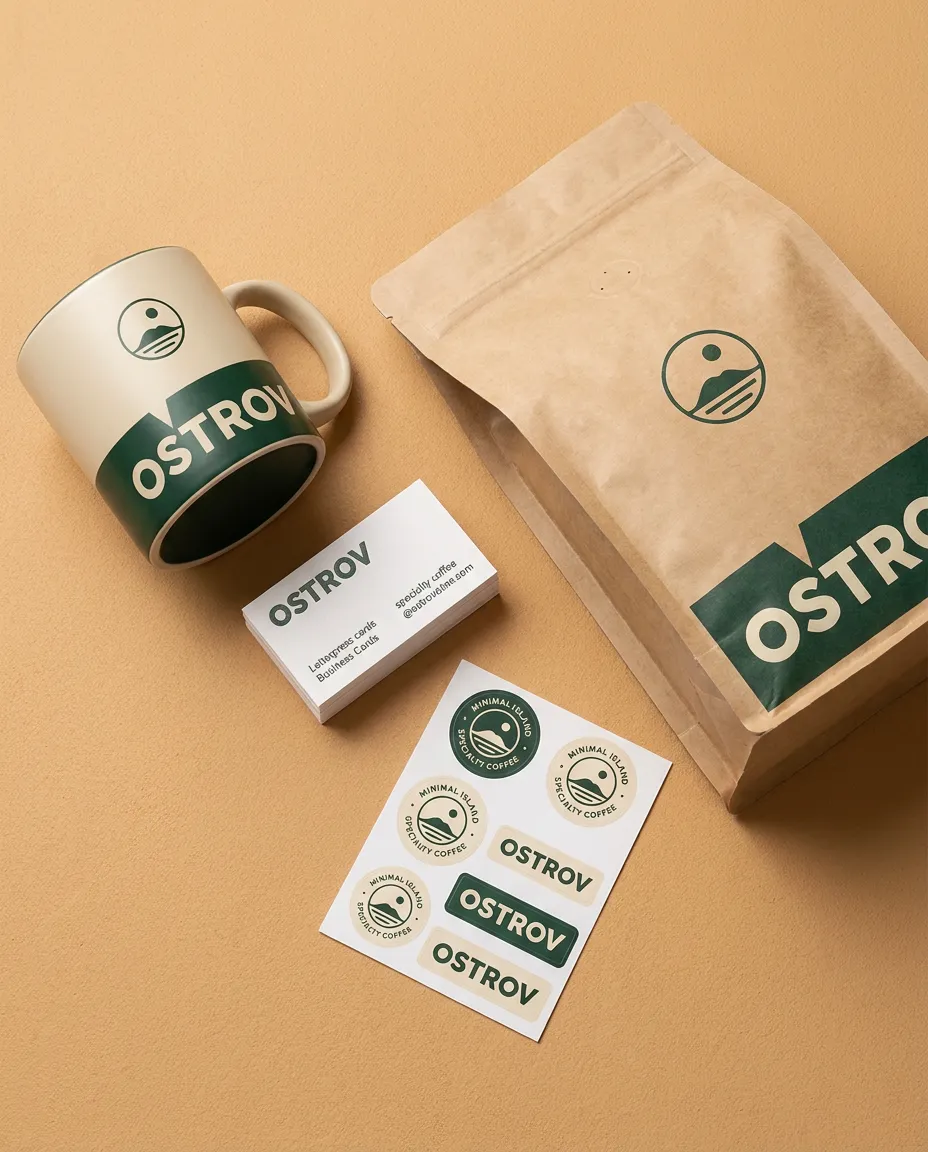
Made in chat
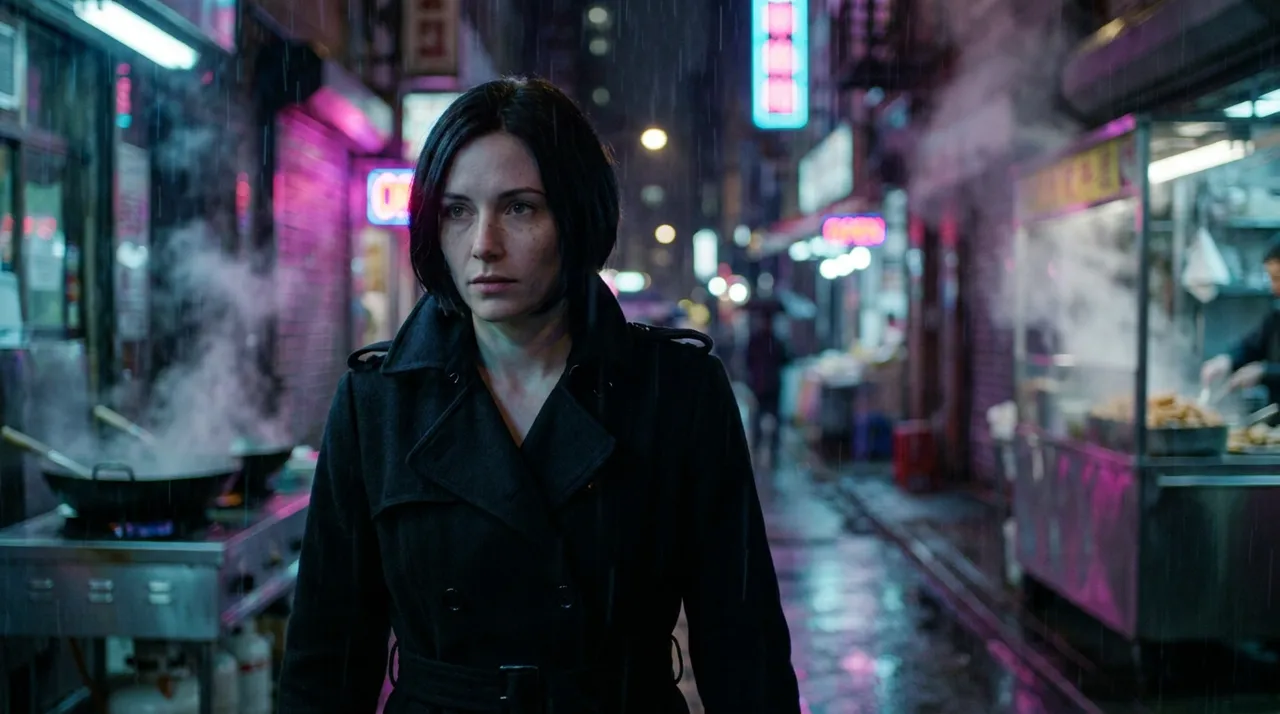
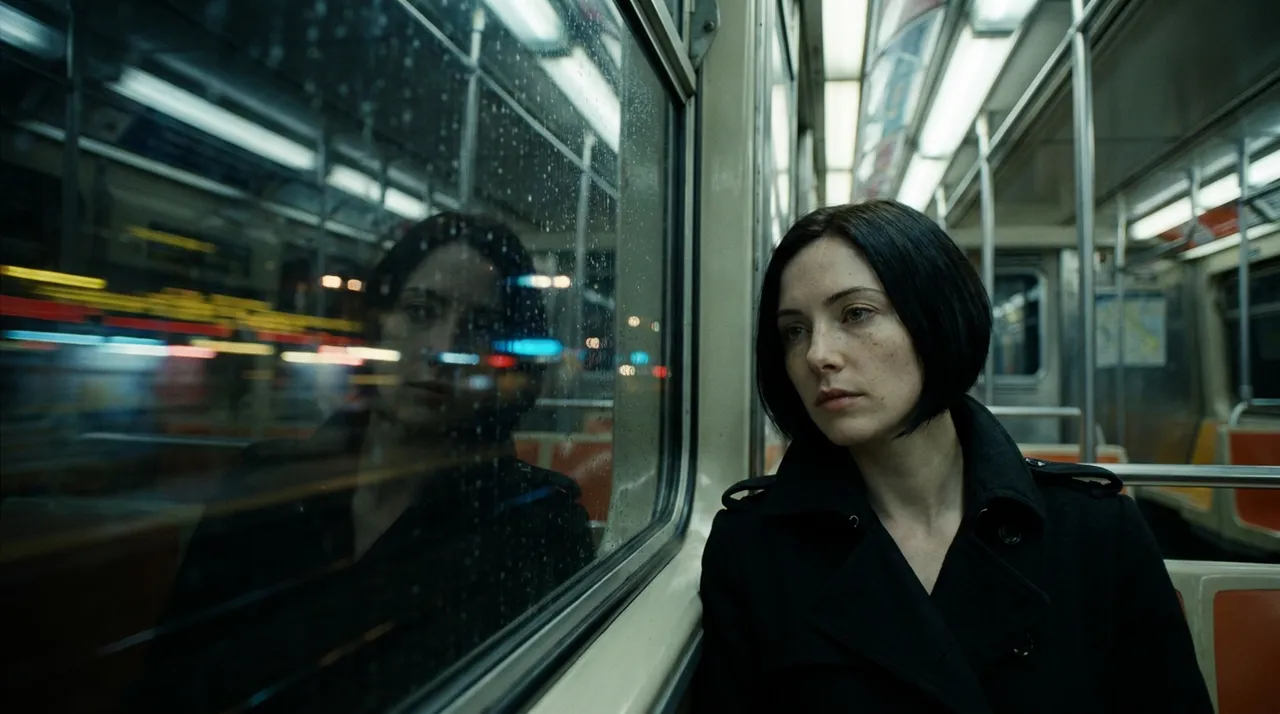
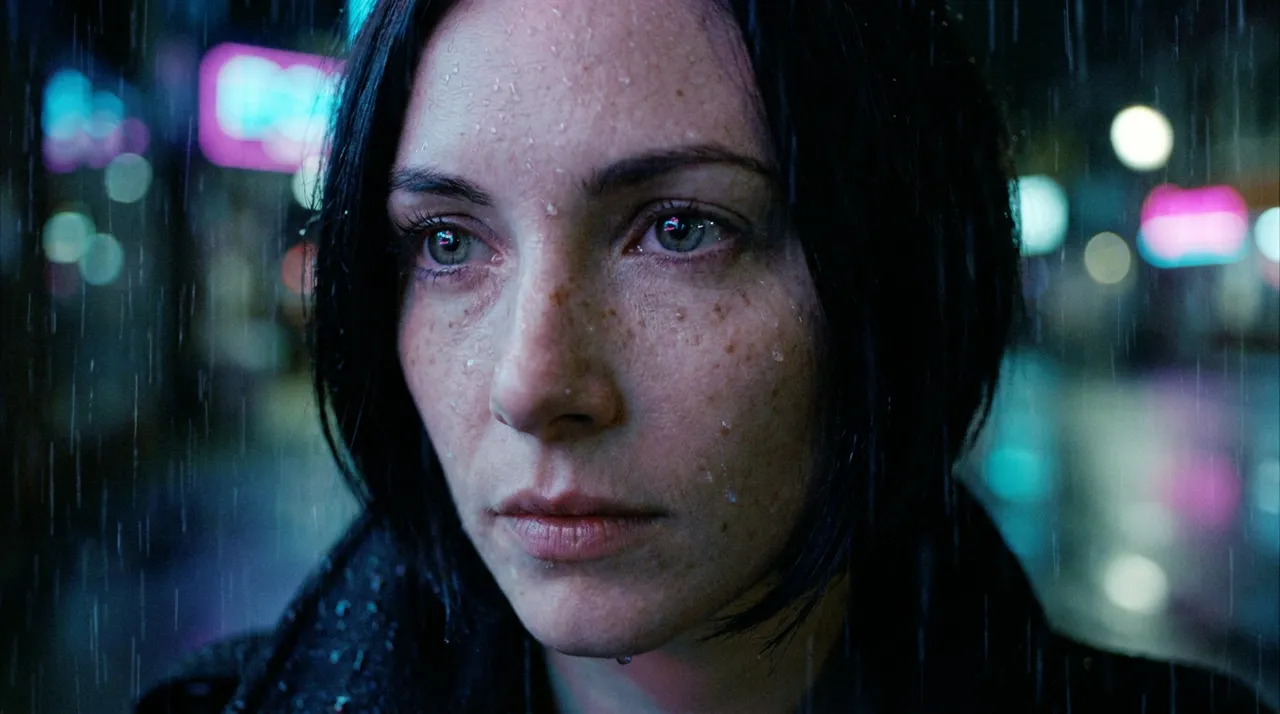
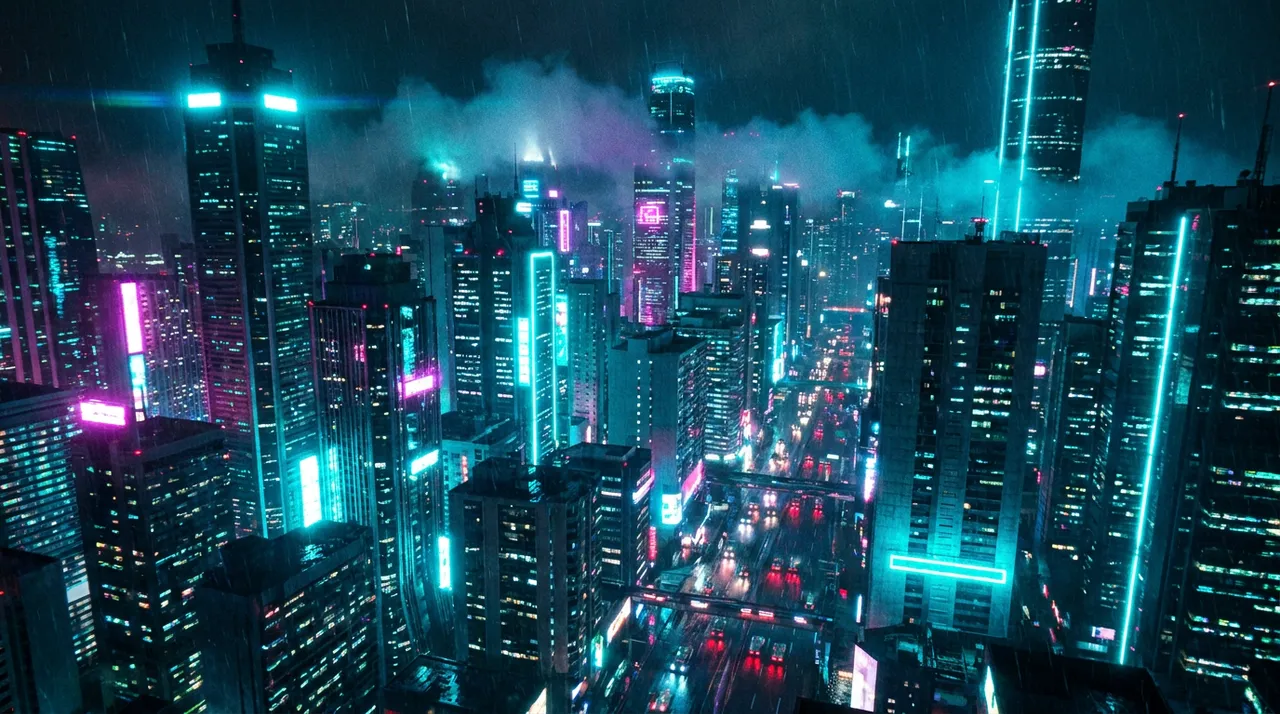
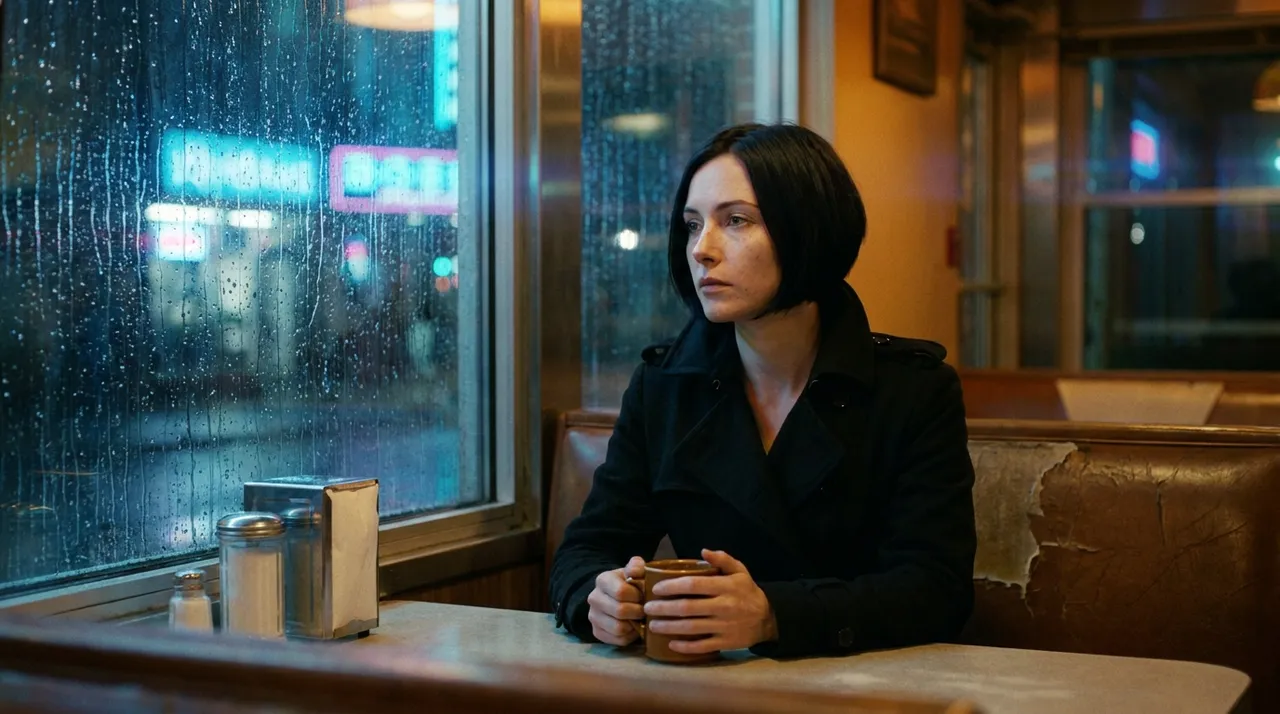
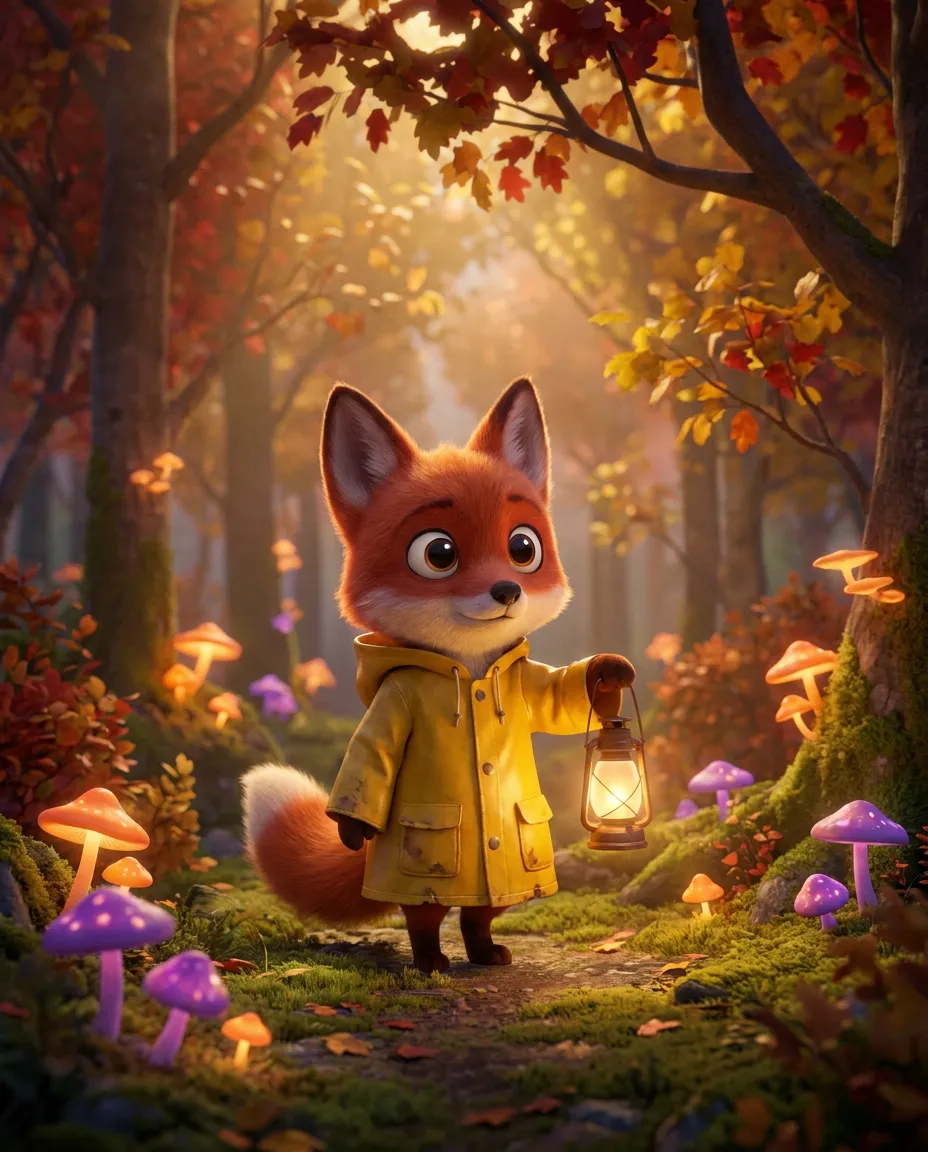
From portraits to packaging.
Each of these took a message or two: the chat picked the model, wrote the prompt and started the run.





Questions
FAQ
What does chat cost?
Chats are included in the subscription and run within per-session (5 hours) and weekly limits. Bigger models use the limit faster. Generations the chat starts use credits as usual.
Which models are there?
Claude (Haiku, Sonnet, Opus, Fable), GPT (Luna, Sol, Astra) and Gemini. Switch models mid-conversation — the history stays.
Does the chat see my work?
A project's chat sees its scenes, generations and elements. You can @mention an element and attach images. It watches videos from a link.
Does it work on a phone?
Yes, chats work on phones too. On desktop you can keep the chat as a side panel next to the project's generations.